Google Pay Casinos NZ 2026: 5 Verified Sites + Withdrawals
Published 26 August 2026 · Updated 18 September 2026
5 casinos Frankly tracks take Google Pay, 5 of them open to New Zealand players. Google Pay is deposit-only, so you withdraw by bank transfer, card or e-wallet.
Casinos that accept Google Pay
Every casino Frankly tracks that lists Google Pay in its cashier, ranked by trust score. No operator pays for placement.




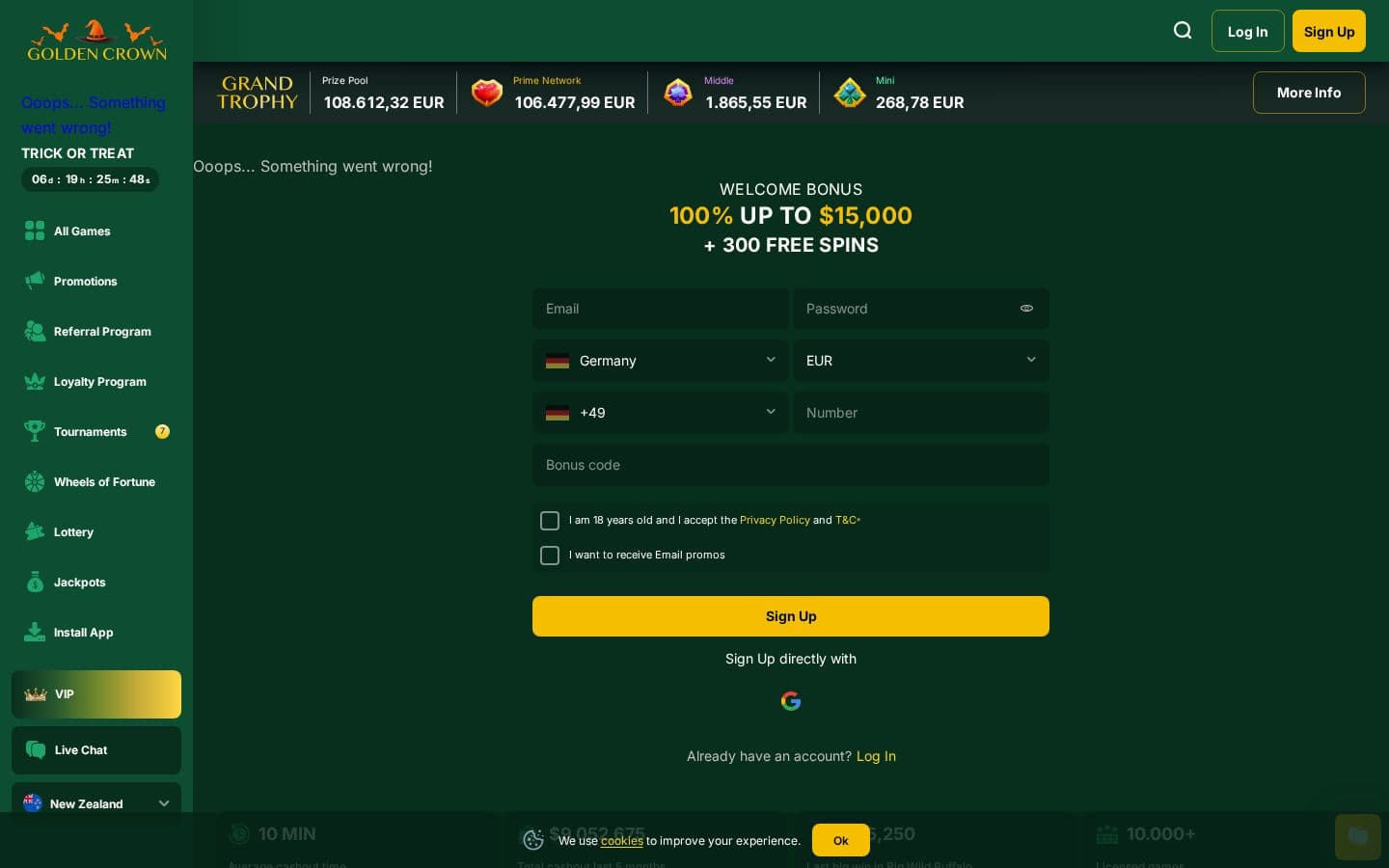

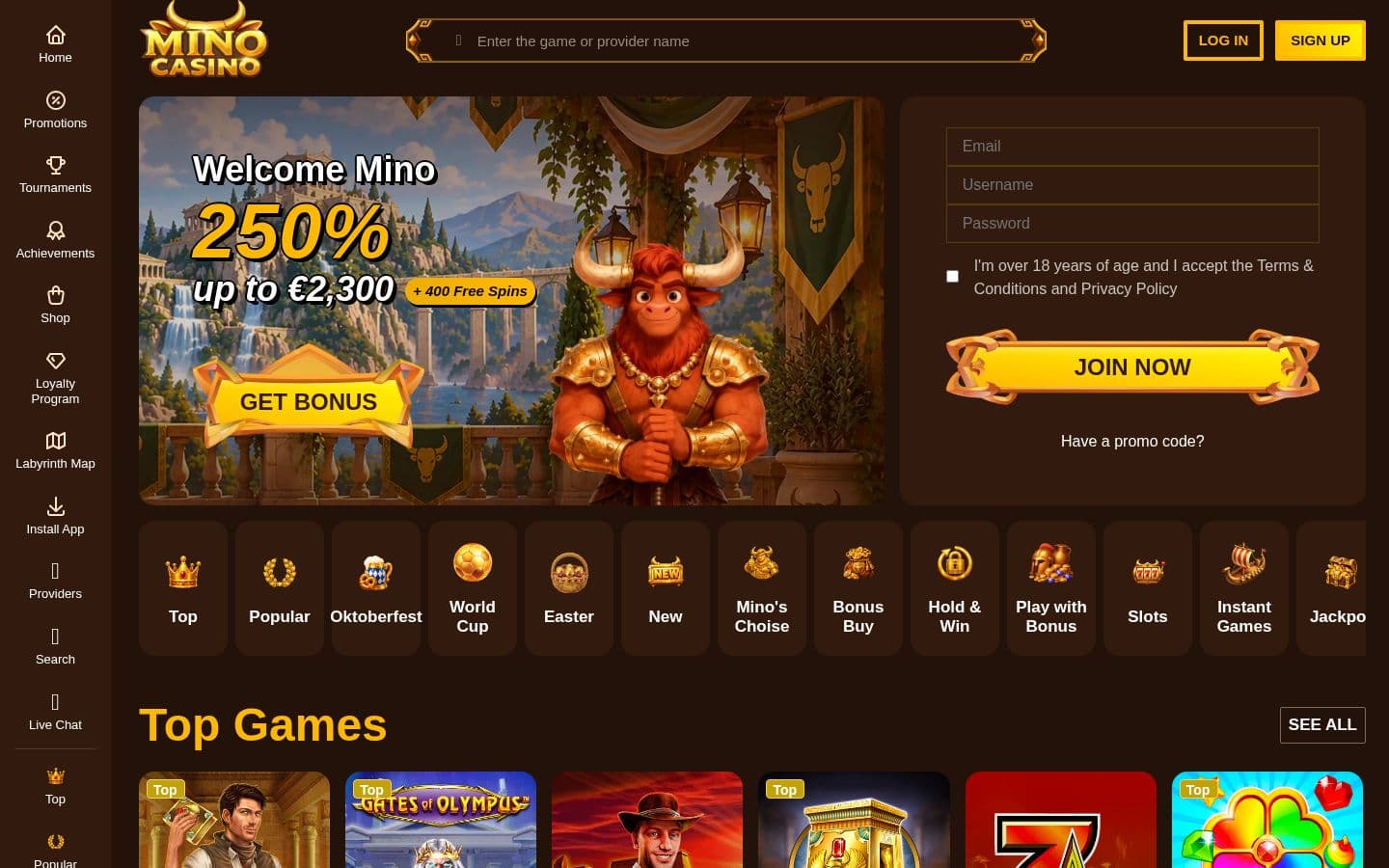
100% up to 2,000 USD + 350 free spins
Global offer · US$


Google Pay works at a casino the same way it works at a checkout: the casino's cashier hands the charge to Google Pay, you approve it on your phone, and the card saved in your Google Wallet is billed. Your card number is never shared with the casino — Google Pay passes a one-time token instead. That is the main reason to use it over typing card details into a casino cashier.
Four casinos on Frankly's roster currently accept Google Pay: 7Bit Casino (trust score 7.0), Stake (5.8), Golden Crown (5.8), and FortuneJack (5.3). The live list with bonuses and withdrawal speeds is on the Google Pay casinos page.
Step 1: Add a card to Google Wallet
Google Pay bills a card saved in your Google Wallet, so set that up first. Open the Google Wallet app, add a debit or credit card, and complete your bank's verification. If you already use Google Pay in shops, you are done.
Step 2: Open the casino cashier and pick Google Pay
Log in to the casino, open the deposit section of the cashier, and select Google Pay from the payment list. If you do not see it, the method may be hidden for your region or device — Google Pay availability is set by the casino's payment processor, not by Google.
Step 3: Enter the deposit amount
Type the amount you want to deposit. Check the casino's minimum deposit for this method in the cashier — minimums vary by casino and are not always the same as the card minimum.
Step 4: Approve the payment in the Google Pay sheet
The Google Pay sheet opens with your default card. Confirm with fingerprint, face unlock, or your device PIN. The charge appears on the underlying card's statement, not as a separate Google Pay account.
Step 5: Check the funds landed
Google Pay deposits are processed as card payments, so the money should be in your casino balance immediately. If you claimed a deposit bonus, confirm the bonus credited before you play — some bonuses need a code entered at deposit time.
Withdrawals: Google Pay is deposit-only
Casinos cannot push a withdrawal back through Google Pay. Before you deposit, check which withdrawal method you will use — typically bank transfer or an e-wallet — and whether the casino verifies identity before the first payout. Depositing with one method and withdrawing with another is normal, but it can mean a second round of verification, so plan it rather than discover it.
Fees and limits
Google itself charges nothing for Google Pay purchases. Whether the casino charges a deposit fee, and what the per-transaction limits are, is set per casino — the cashier shows both before you confirm. If your card is a credit card, your bank may treat a casino deposit as a cash advance and charge accordingly; that is a bank policy, not a casino one.
Frequently asked questions
5 casinos Frankly tracks list Google Pay in the cashier. The highest trust scores are 7Bit Casino (8.4/10), BC.Game (7.1/10) and Golden Crown Casino (6.4/10). The full list, ranked by trust score, is above.
Yes. 5 of the 5 casinos listed here accept players from New Zealand and take Google Pay deposits.
No. Google Pay works for deposits only: casinos can't pay winnings back to it. Set up a bank transfer, card or e-wallet withdrawal before you deposit.
Ready to find a casino?
Browse casinos →